Suica Card Guide: How to Get, Top Up and Use It in Japan
Visiting a foreign country often means you need two things to get through daily life: a travel pass and a prepaid card loaded with the local currency. In Japan, Suica does both. With the right smartphone, you don’t even need a physical card.
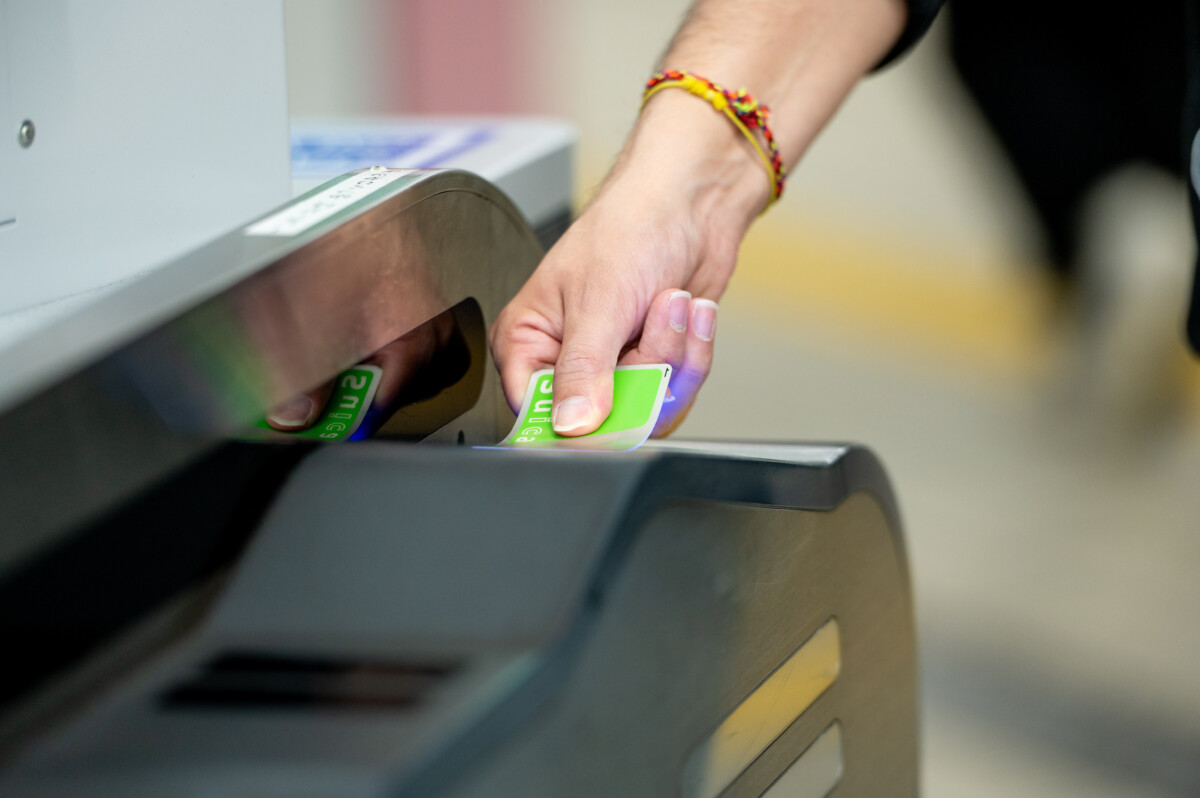
With a Suica card, you tap through the ticket gates at train stations instead of working out fares at machines. One card gives you rail access from Tokyo to Osaka, Sapporo and Fukuoka.
Suica comes as a digital card and as a physical card, and which one you can use depends on your phone. iPhone users can add Suica to Apple Wallet, but Android phones sold outside Japan usually don’t support it. This guide covers the types of Suica available in 2026, how to top up, and how to get your remaining balance back at the end of your trip.
What Suica Is and Where It Works
Suica is a rechargeable IC card from JR East, the railway company that runs most of the lines around Tokyo. You load money onto it, tap it on the ticket gate, and the gate deducts the fare from your balance. A Suica holds up to ¥20,000 at a time.
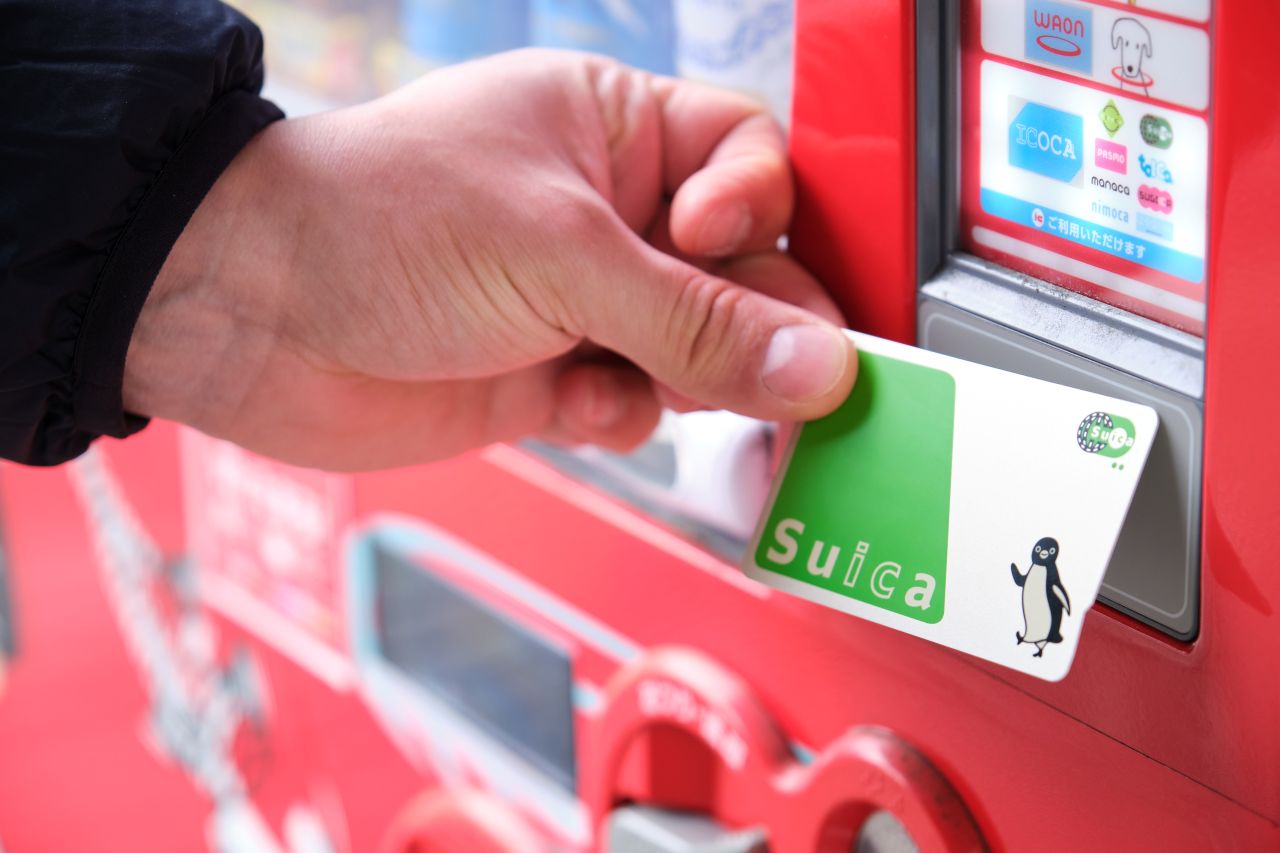
Suica isn’t limited to the JR East network. Japan has ten major IC cards, each issued by a different regional operator, and since 2013 they’ve worked interchangeably across the country.
You can also pay in shops with Suica, the same way you’d use a prepaid travel payment card. Tap your card on the contactless terminal, or tap your phone if your Suica is in Apple Wallet.
Which Suica Should You Get?
Start with your phone.
- iPhone 8 or later: add Suica to Apple Wallet and top up from your phone.
- iPhone 8 or later (visitor option): download Welcome Suica Mobile, the iPhone-only app JR East built for visitors.
- Android phone bought outside Japan: your phone probably lacks the FeliCa chip that mobile Suica needs, so get a physical Suica card instead.
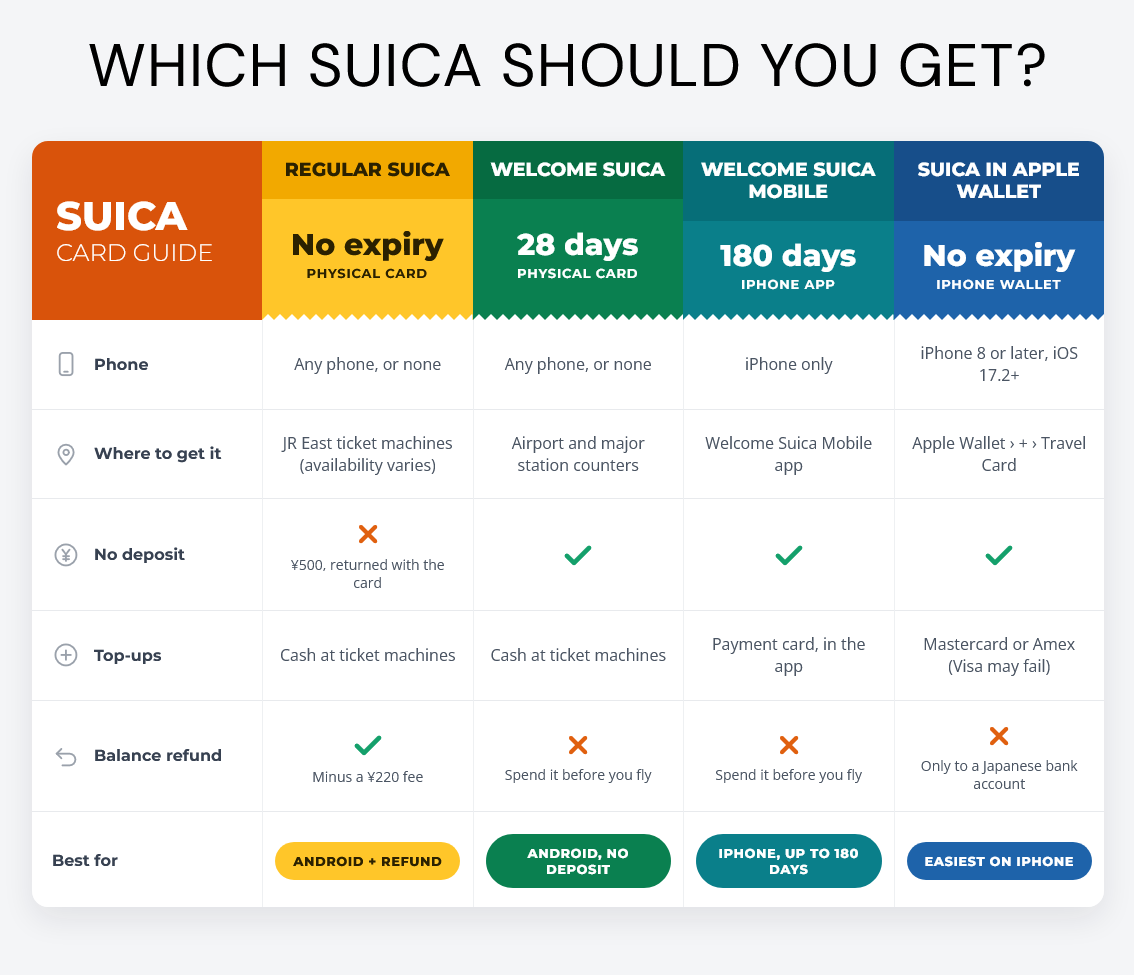
If you prefer a physical card, you can choose between a regular Suica, which lets you refund your balance, and a Welcome Suica, which expires after 28 days and offers no refunds but needs no deposit.
Regular Suica
A physical regular Suica costs ¥1,000 at a ticket machine. Of that, ¥500 goes onto your balance and the other ¥500 is a deposit, which JR East returns when you hand the card back.
Availability has been patchy. During the global chip shortage of 2023, JR East stopped selling physical regular Suica cards altogether. Several guides from 2026 report that the cards have been back on sale at JR East stations since 2025, but NAVITIME reported that JR East was only selling Welcome Suica to tourists.
To check, go to a ticket machine. It can’t tell whether you’re a tourist, so if it offers regular Suica, you can buy one there.
Welcome Suica (Physical and Mobile)
JR East designed Welcome Suica for tourists, which brings one clear advantage and one catch.
The advantage: there’s no deposit, so everything you pay goes onto your balance. Counters at airports and major train stations sell the physical Welcome Suica for between ¥1,000 and ¥10,000. It lasts 28 days, which covers most trips.
The catch: unlike a regular Suica, you can’t claim back unspent balance at the end of your trip, so JR East will probably keep some of your yen when you leave.
JR East launched the iPhone-only Welcome Suica Mobile app in March 2025. It puts a Welcome Suica in your Apple Wallet. The digital card lasts 180 days and lets you ride the JR Shinkansen (bullet train) in unreserved seats, paying from your Suica balance.
Suica on Your Phone: iPhone and Android
iPhone
If your iPhone runs iOS 17.2 or later, open Apple Wallet, tap the ‘+’ icon and go to ‘Travel Card’ to add a Suica. Your phone will then pay with a tap on a reader, so set up Face ID, Touch ID or a passcode and turn on two-factor authentication for your Apple account.
You can top up from your phone with a Mastercard or American Express. Top-ups on foreign-issued Visa cards can fail, even when the card works for contactless payments at home. Avoid topping up between 1am and 5am Japan time: Suica runs nightly maintenance then, and top-ups are likely to fail.
Android
Android users will probably need a physical Suica card. Mobile Suica needs a FeliCa chip, and most Android phones sold outside Japan don’t have one.
Setting up mobile Suica in Japan needs a data connection, so have a Japan eSIM or Pocket WiFi ready.
How to Top Up
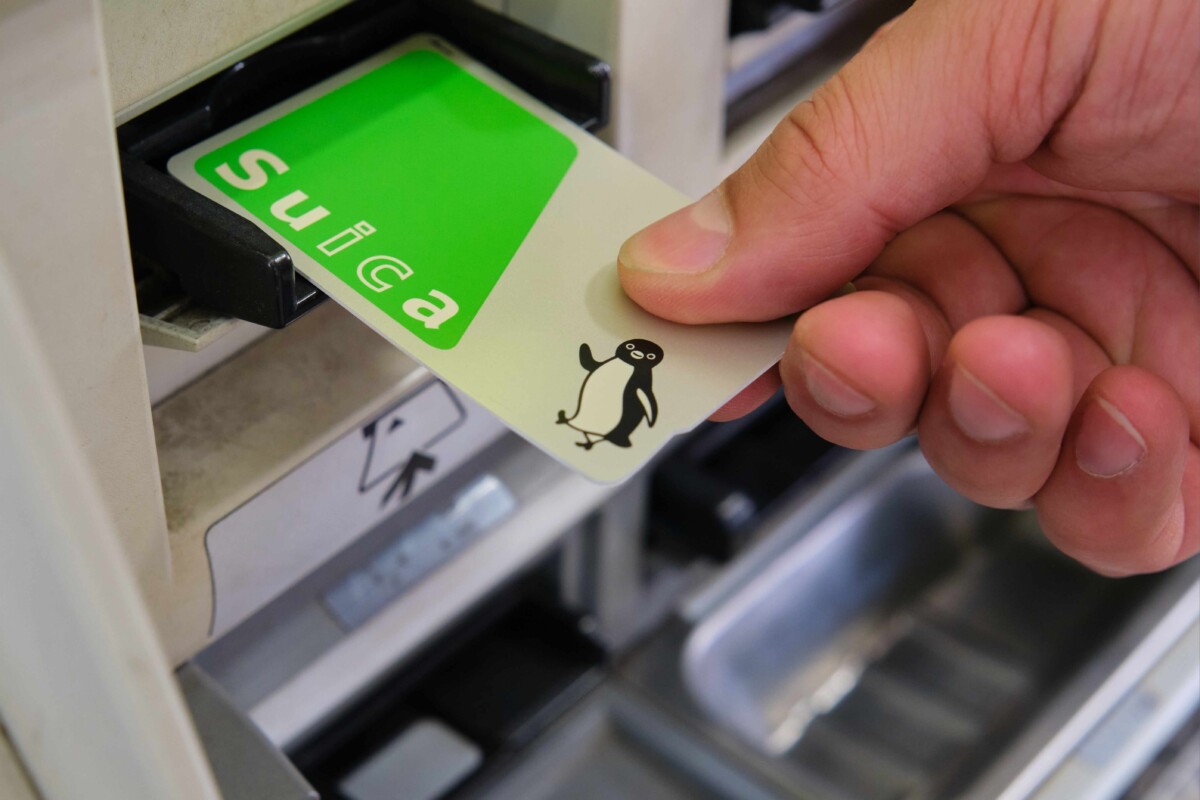
Top up a physical Suica at station ticket machines. You pay in cash, not by card, in increments of ¥500 up to ¥10,000.
On iPhone, top up mobile Suica with your payment card (remember the Visa caveat above). JR East plans to add teppay, a code payment feature that goes above the ¥20,000 cap, to the Mobile Suica app in autumn 2026, but hasn’t confirmed full details yet.
Refunds and Leaving Japan
Return a regular physical Suica to a JR East ticket office. Staff refund your balance minus a ¥220 handling fee, plus your ¥500 deposit. So if your Suica has ¥1,000 left, you get ¥1,280 back.
You can’t refund a Welcome Suica, so spend the remaining balance on snacks and souvenirs before you fly home. The novelty KitKat vendors will be pleased to see you!
Suica vs PASMO
PASMO is Tokyo’s other main IC card. For a tourist, it works the same as Suica: both belong to the nationwide IC card network, so each works wherever the other does. If a machine offers PASMO instead of Suica, buy that one. You won’t notice a difference.
Get Your Suica Sorted Before You Land
For most iPhone users, Apple Wallet is the simplest option. Add Suica before you fly, top it up with a Mastercard or Amex, and tap through ticket gates as soon as you arrive in Japan. Android users should plan on a physical card with cash top-ups.
Either way, get a Japan eSIM so Wallet, Maps and your travel apps work from the moment you land, and read our Money in Japan guide for cash and ATM tips. If you’re still working out whether Japan is pricey for a holiday, read that before you set your budget.